Mikrotik Router Temel Yapılandırma Rehberi
z
zafer ak
Yazar
29 Aralık 2025
3 dakika okuma
798 görüntülenme

Mikrotik RouterOS ile ağ yapılandırması. Firewall kuralları, NAT, DHCP, VPN ve bandwidth yönetimi ayarları.
Mikrotik RouterOS, güçlü ve esnek bir router/firewall işletim sistemidir. Bu rehberde temel yapılandırma adımlarını öğreneceksiniz.
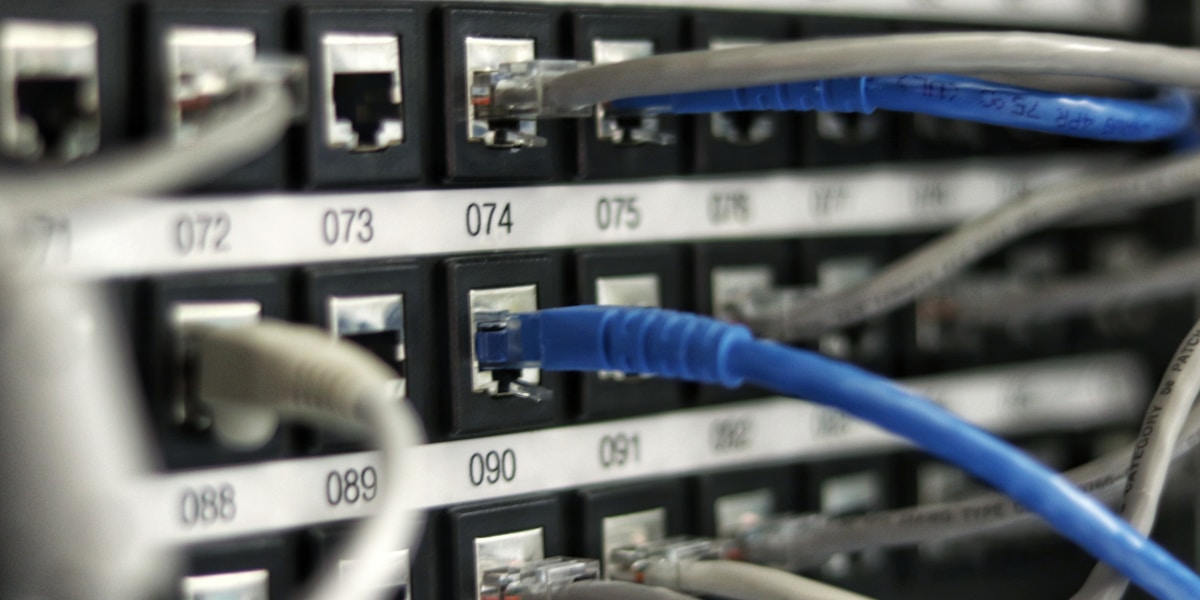
Mikrotik Neden Tercih Edilir?
- Maliyet etkin: Kurumsal özellikler uygun fiyatla
- Esnek: Çok sayıda yapılandırma seçeneği
- Güçlü scripting: Otomasyon imkanı
- VPN çözümleri: L2TP, PPTP, OpenVPN, WireGuard
- Aktif topluluk: Geniş bilgi kaynağı
İlk Erişim
# WinBox ile
# Default IP: 192.168.88.1
# Username: admin
# Password: (boş)

# Terminal ile
ssh admin@192.168.88.1

# İlk şifre belirleme
/user set admin password=GucluSifre123
Temel IP Yapılandırması
# WAN Interface IP (DHCP Client)
/ip dhcp-client add interface=ether1 disabled=no

# Veya statik IP
/ip address add address=192.168.1.1/24 interface=ether1

# LAN Interface IP
/ip address add address=10.0.0.1/24 interface=bridge1

# Bridge oluşturma
/interface bridge add name=bridge1
/interface bridge port add bridge=bridge1 interface=ether2
/interface bridge port add bridge=bridge1 interface=ether3
/interface bridge port add bridge=bridge1 interface=ether4
DHCP Server
# IP Pool oluşturma
/ip pool add name=dhcp_pool ranges=10.0.0.100-10.0.0.254

# DHCP Network
/ip dhcp-server network add address=10.0.0.0/24 gateway=10.0.0.1 dns-server=8.8.8.8,8.8.4.4

# DHCP Server
/ip dhcp-server add name=dhcp1 interface=bridge1 address-pool=dhcp_pool disabled=no

# Statik DHCP lease
/ip dhcp-server lease add address=10.0.0.50 mac-address=00:11:22:33:44:55
NAT ve Masquerade
# Source NAT (Masquerade)
/ip firewall nat add chain=srcnat out-interface=ether1 action=masquerade

# Destination NAT (Port Forwarding)
/ip firewall nat add chain=dstnat dst-port=80 protocol=tcp action=dst-nat to-addresses=10.0.0.50 to-ports=80

# 1:1 NAT
/ip firewall nat add chain=dstnat dst-address=203.0.113.10 action=dst-nat to-addresses=10.0.0.100
Firewall Kuralları
# Input Chain - Router'a gelen trafik
/ip firewall filter
add chain=input connection-state=established,related action=accept
add chain=input connection-state=invalid action=drop
add chain=input protocol=icmp action=accept
add chain=input src-address=10.0.0.0/24 action=accept
add chain=input action=drop

# Forward Chain - LAN-WAN arası trafik
add chain=forward connection-state=established,related action=accept
add chain=forward connection-state=invalid action=drop
add chain=forward src-address=10.0.0.0/24 action=accept
add chain=forward action=drop

# Belirli portları engelle
add chain=forward dst-port=25 protocol=tcp action=drop comment="Block SMTP"
VPN Yapılandırması (L2TP/IPsec)
# IPsec Profile
/ip ipsec profile add name=l2tp-profile hash-algorithm=sha256 enc-algorithm=aes-256

# IPsec Peer
/ip ipsec peer add address=0.0.0.0/0 profile=l2tp-profile exchange-mode=main-l2tp

# L2TP Server
/interface l2tp-server server set enabled=yes default-profile=default-encryption

# VPN kullanıcısı
/ppp secret add name=vpnuser password=sifre123 service=l2tp local-address=10.0.0.1 remote-address=10.0.0.200
Bandwidth Yönetimi (QoS)
# Simple Queue
/queue simple add name=queue1 target=10.0.0.50 max-limit=10M/10M

# Burst destekli
/queue simple add name=queue2 target=10.0.0.51 max-limit=5M/5M burst-limit=10M/10M burst-time=30s/30s

# IP bazlı limit
/queue simple add name=all-clients target=10.0.0.0/24 max-limit=100M/100M
DNS ve Routing
# DNS Server
/ip dns set allow-remote-requests=yes servers=8.8.8.8,1.1.1.1

# Statik DNS kaydı
/ip dns static add name=server.local address=10.0.0.100

# Default route
/ip route add gateway=192.168.1.1

# Statik route
/ip route add dst-address=172.16.0.0/16 gateway=10.0.0.254
Güvenlik Ayarları
# Gereksiz servisleri kapat
/ip service disable telnet,ftp,www,api,api-ssl

# SSH portunu değiştir
/ip service set ssh port=2222

# Winbox sadece LAN'dan
/ip service set winbox address=10.0.0.0/24

# Brute-force koruması
/ip firewall filter add chain=input protocol=tcp dst-port=22 src-address-list=ssh_blacklist action=drop
/ip firewall filter add chain=input protocol=tcp dst-port=22 connection-state=new src-address-list=ssh_stage3 action=add-src-to-address-list address-list=ssh_blacklist address-list-timeout=1d
Sonuç
Mikrotik RouterOS, küçük ve orta ölçekli ağlar için güçlü bir çözümdür. Doğru yapılandırma ile kurumsal düzeyde güvenlik ve performans sağlayabilirsiniz.